Naam Japa Counter App - Naam Jap, Mala & Mantra Counter now!
If you want to track all your Naam Jap records for Radha and other God-Goddess mantras, download the app below. You can easily monitor your malas, japa counts, and generate detailed PDF reports.
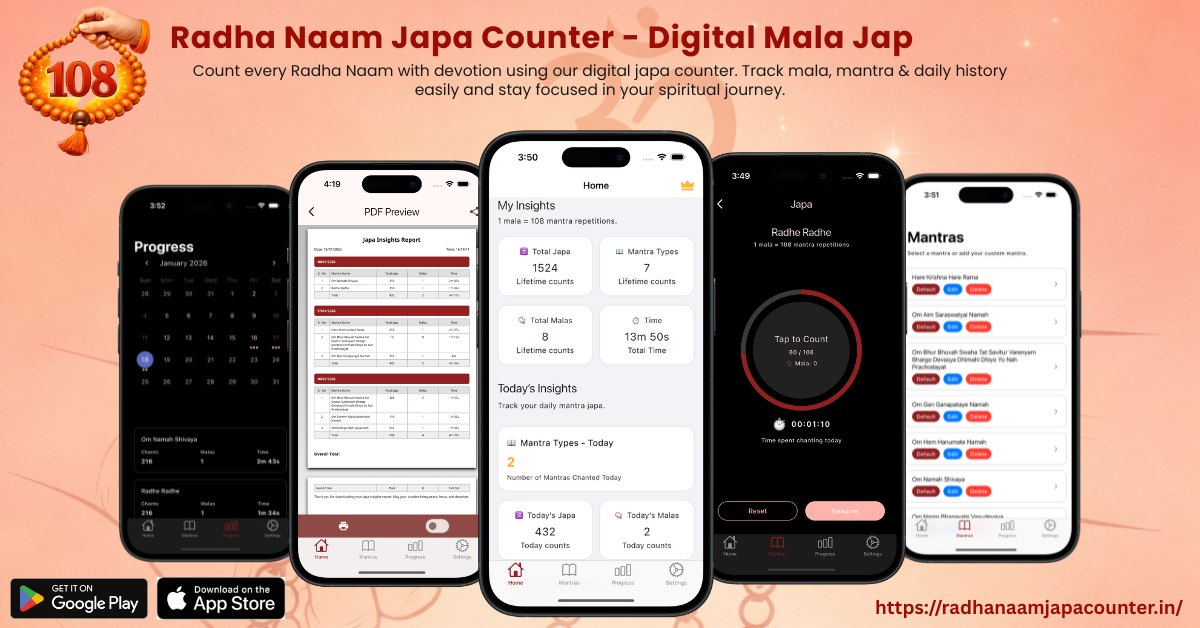


Why Use the Naam Japa Counter App?
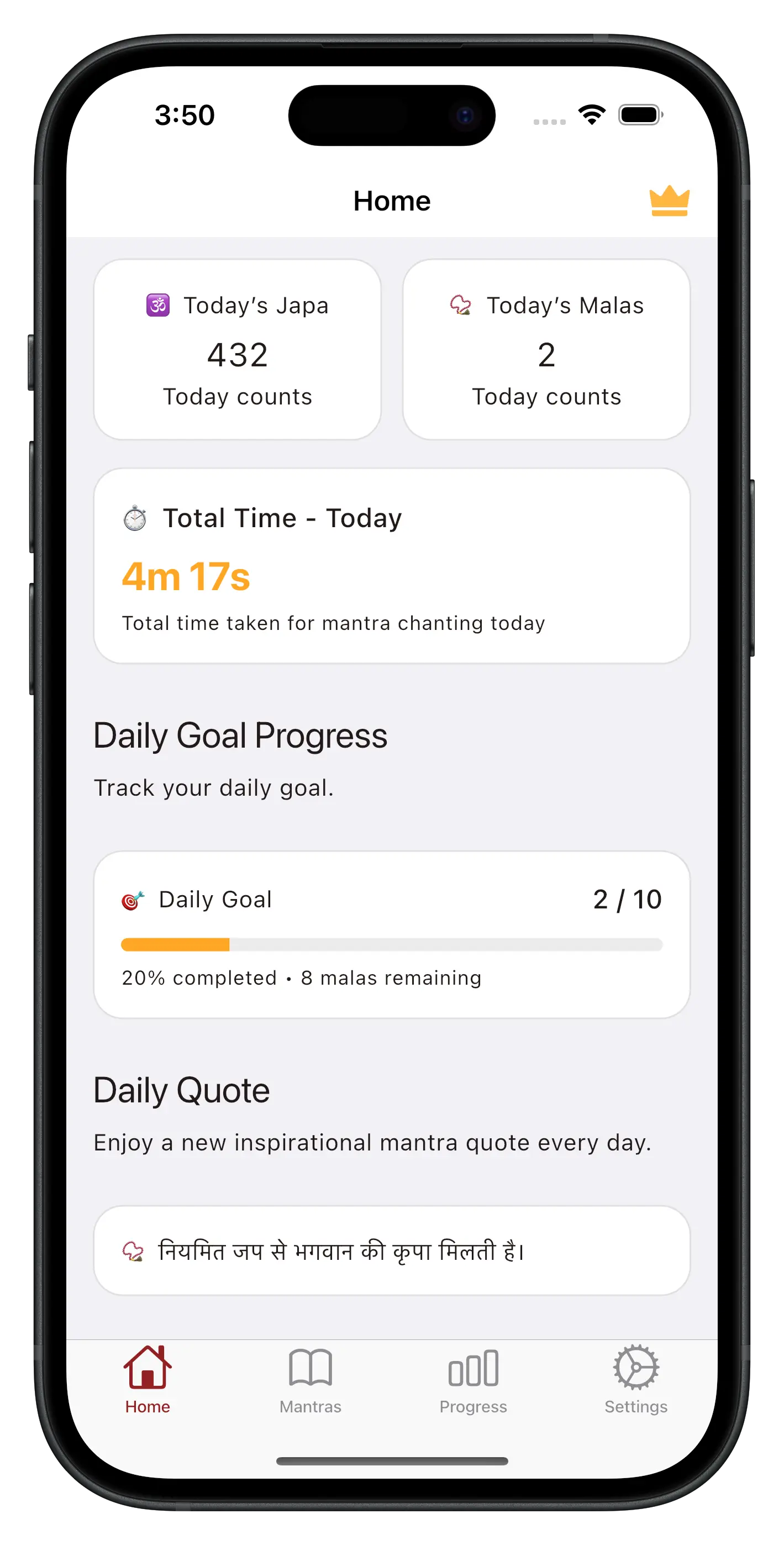
Naam Jap Counter helps you focus on your chanting without worrying about counting. You just tap once for each Radha Naam or any custom mantra, and the app keeps the count for you. It saves your daily japa, so you can see your progress anytime. You can also set a daily mala goal and stay regular in your devotion.
The app also works offline, so you can chant anytime. It is not just a counter, it is a small helper for your daily devotion.
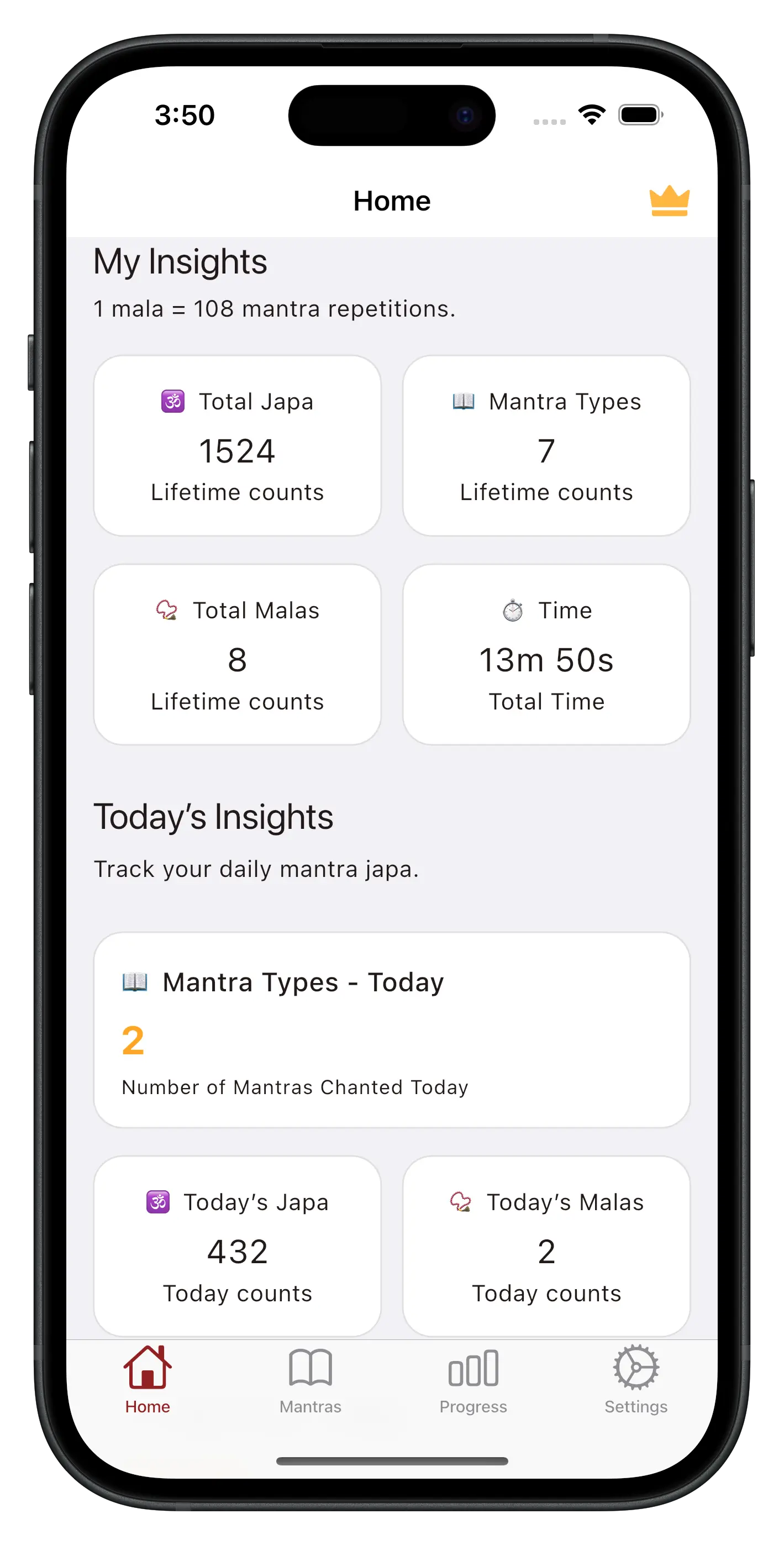
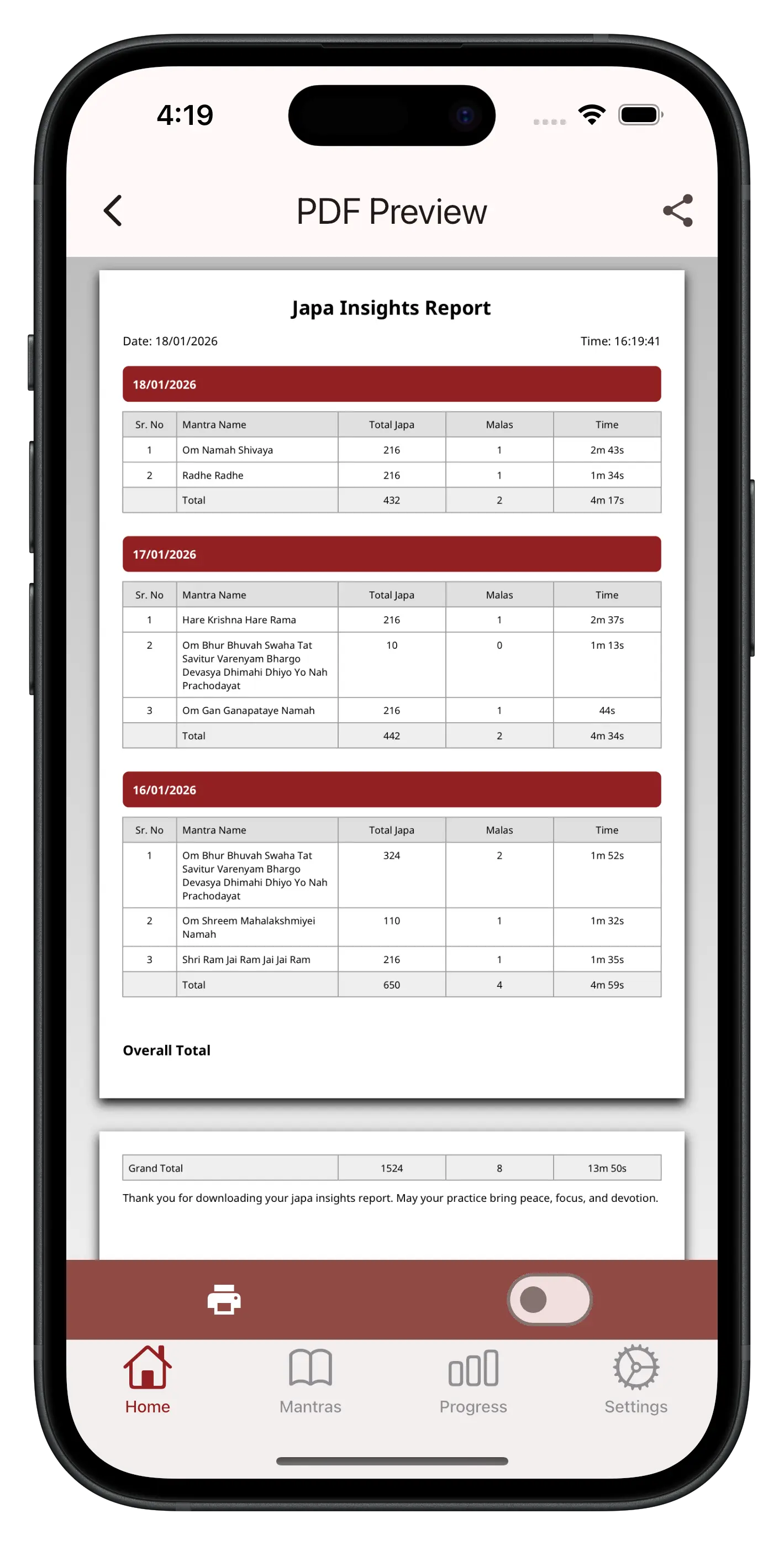
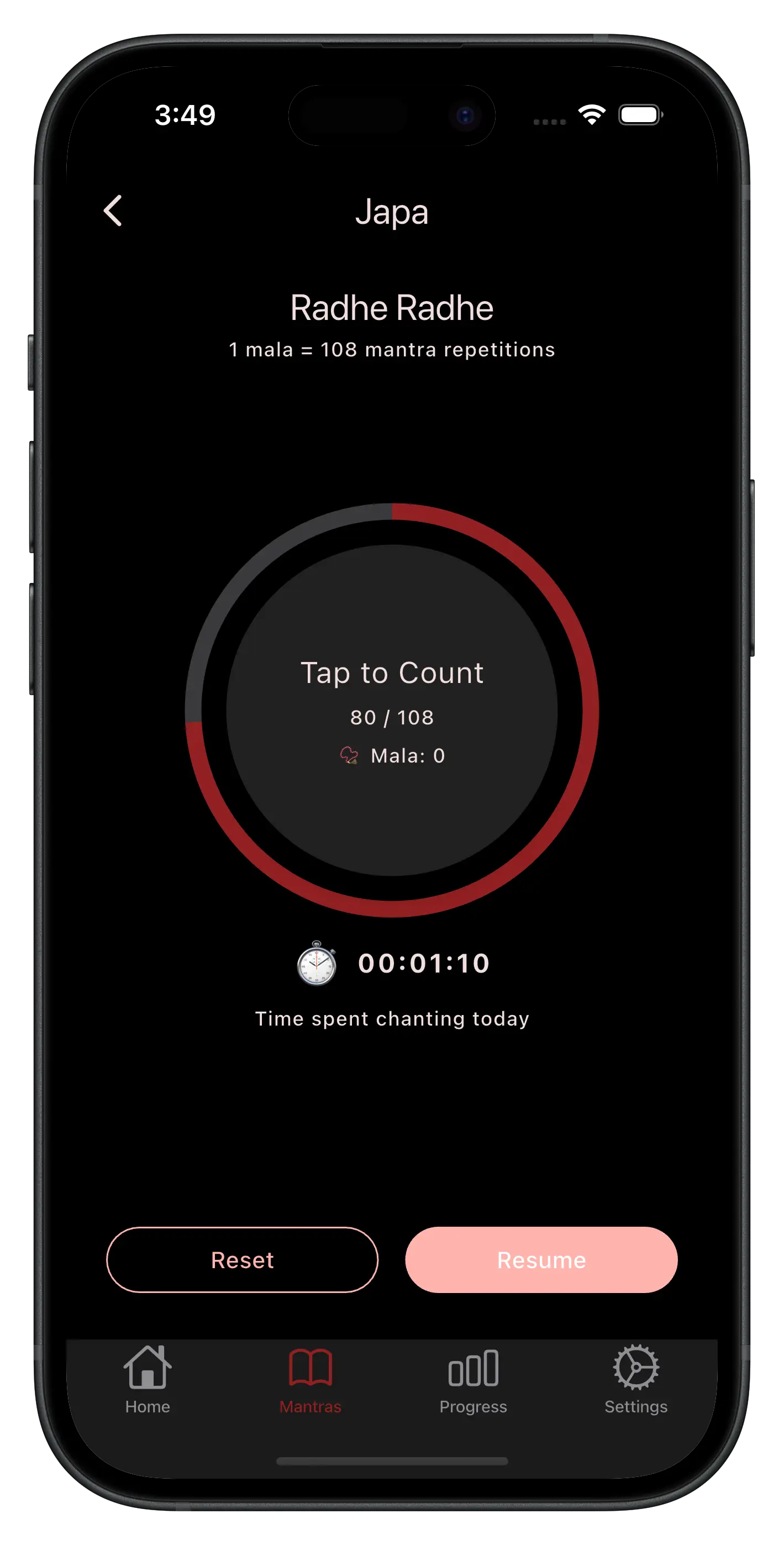
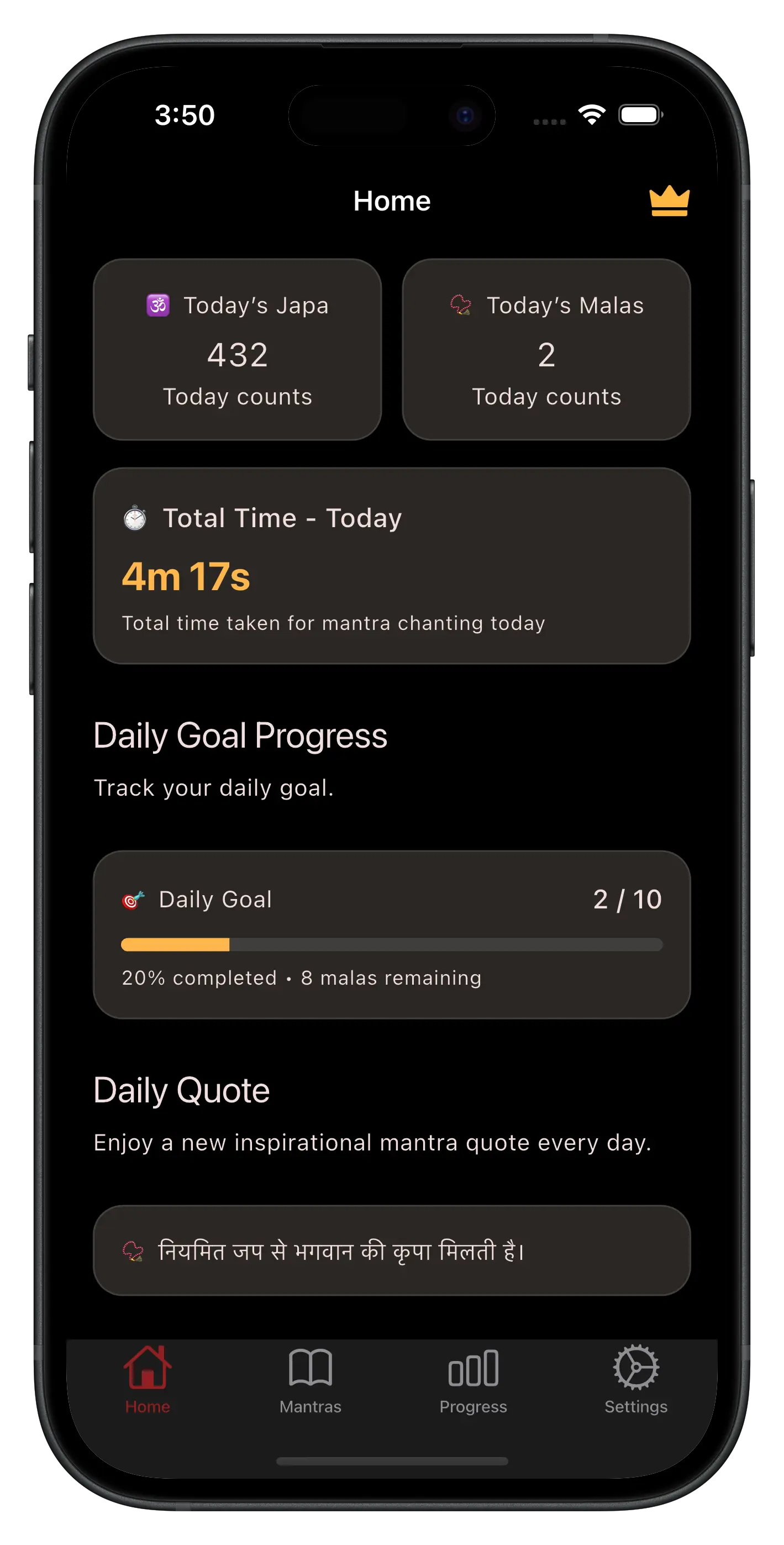
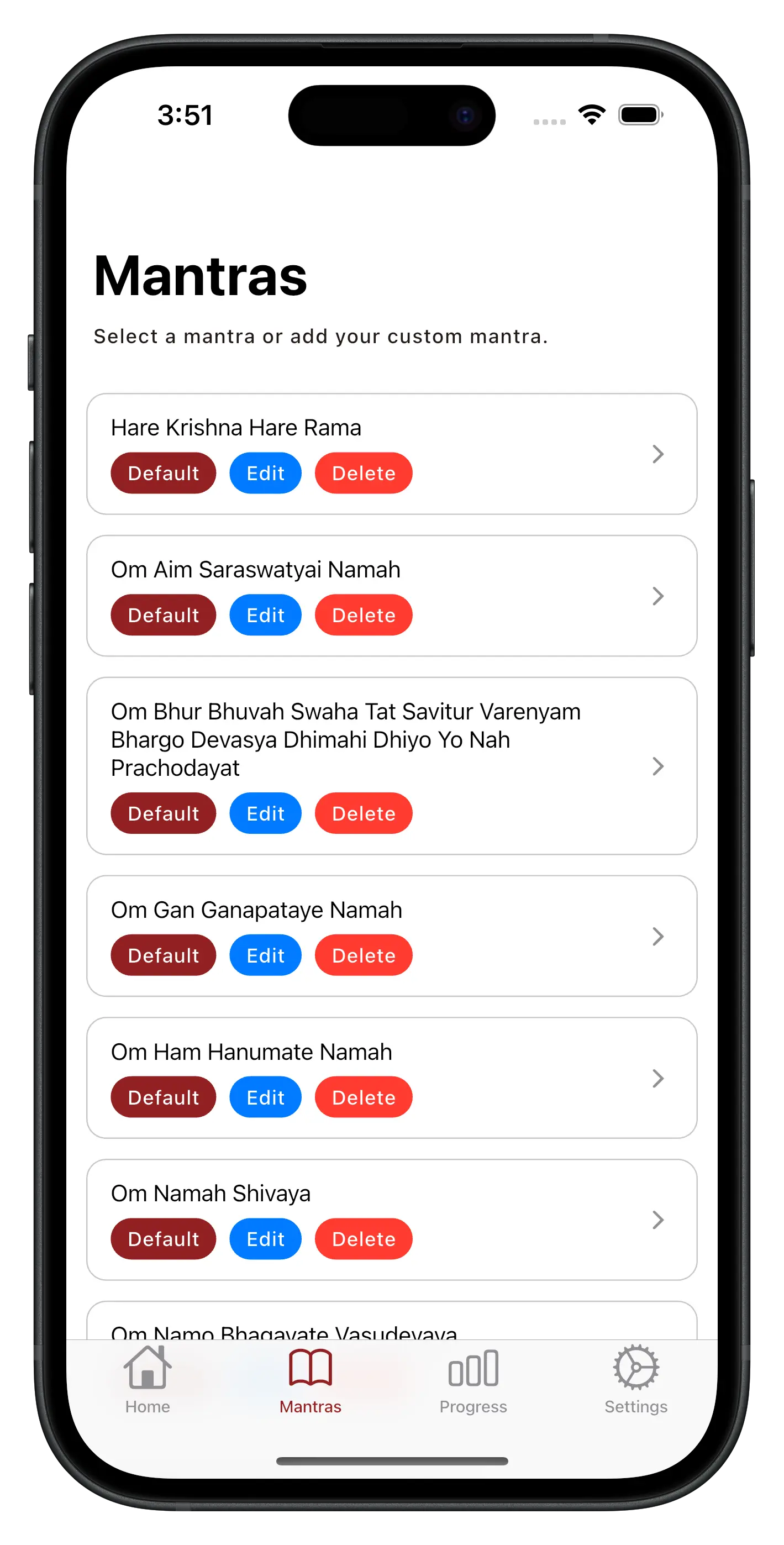
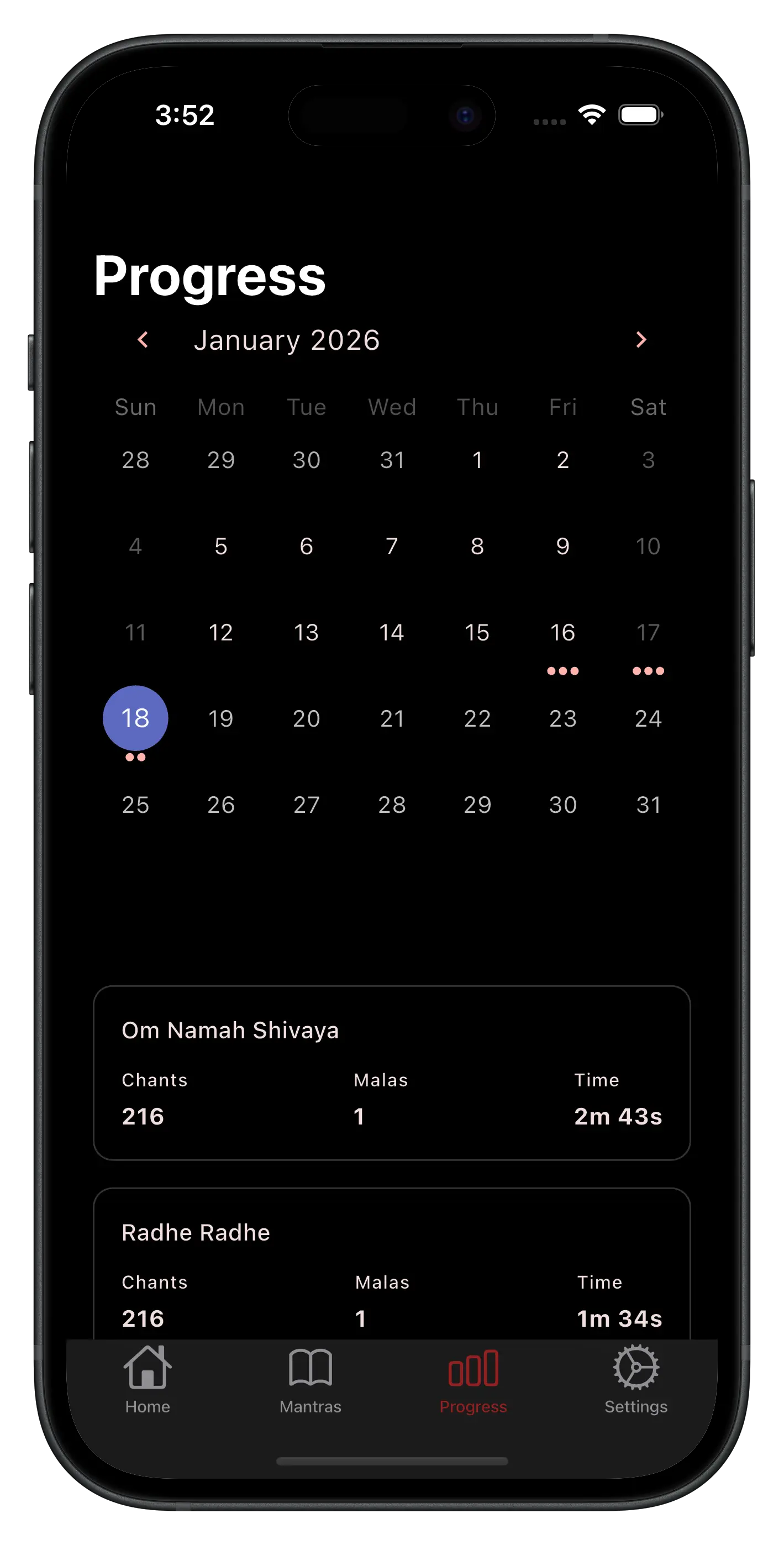
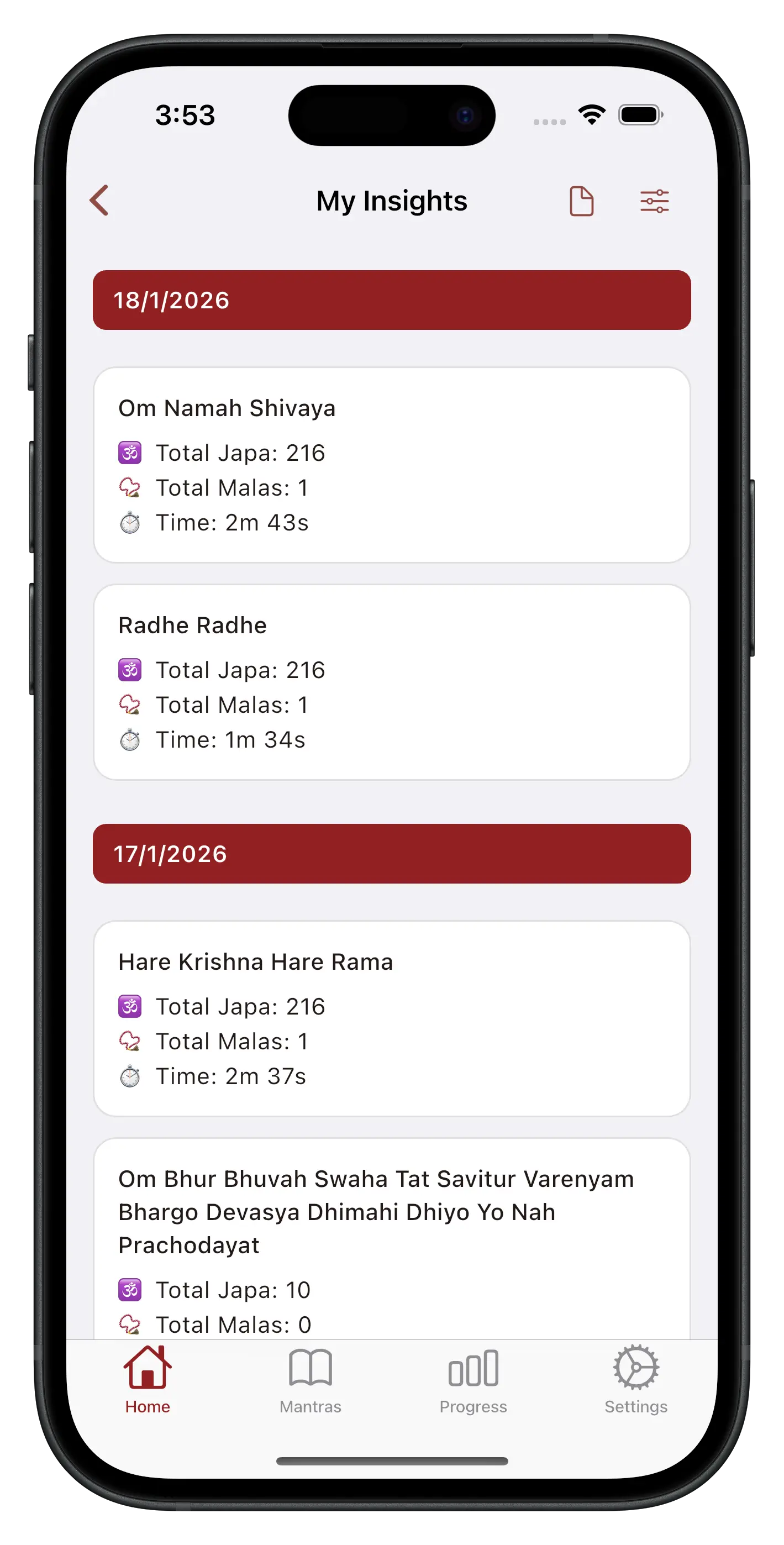
Key Features:
- 📿 Easy Japa Counter - Tap to count each chant with simple and intuitive controls.
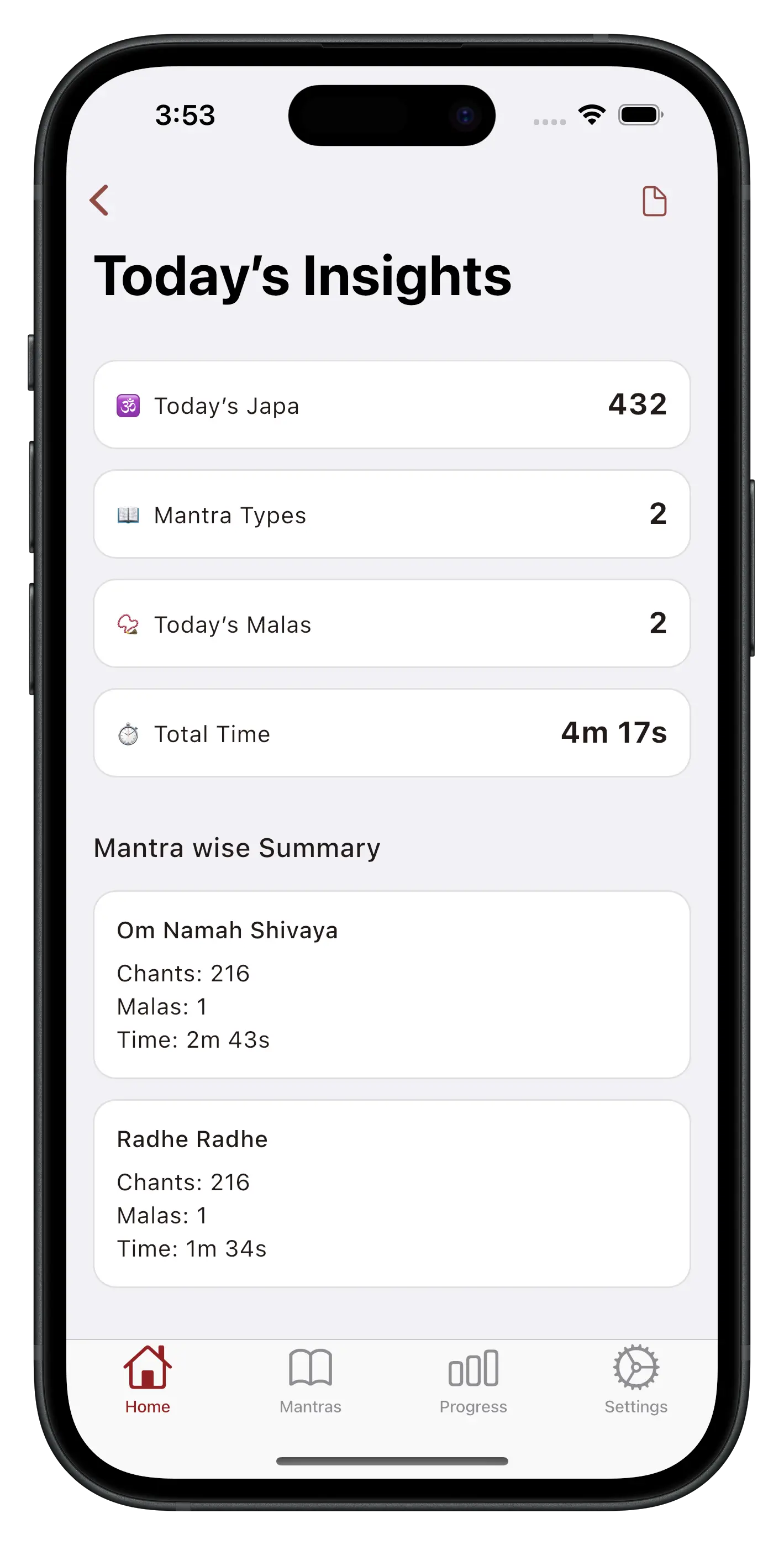
- 📊 Track Your Progress - See total mantra counts, total malas completed, and total chanting time in one place.
- 🗓️ Daily & History View - Check japa counts by day using a calendar style progress view.
- ✍️ Manage Mantras - Add, edit, or delete mantras. It includes preloaded default mantras and custom options.
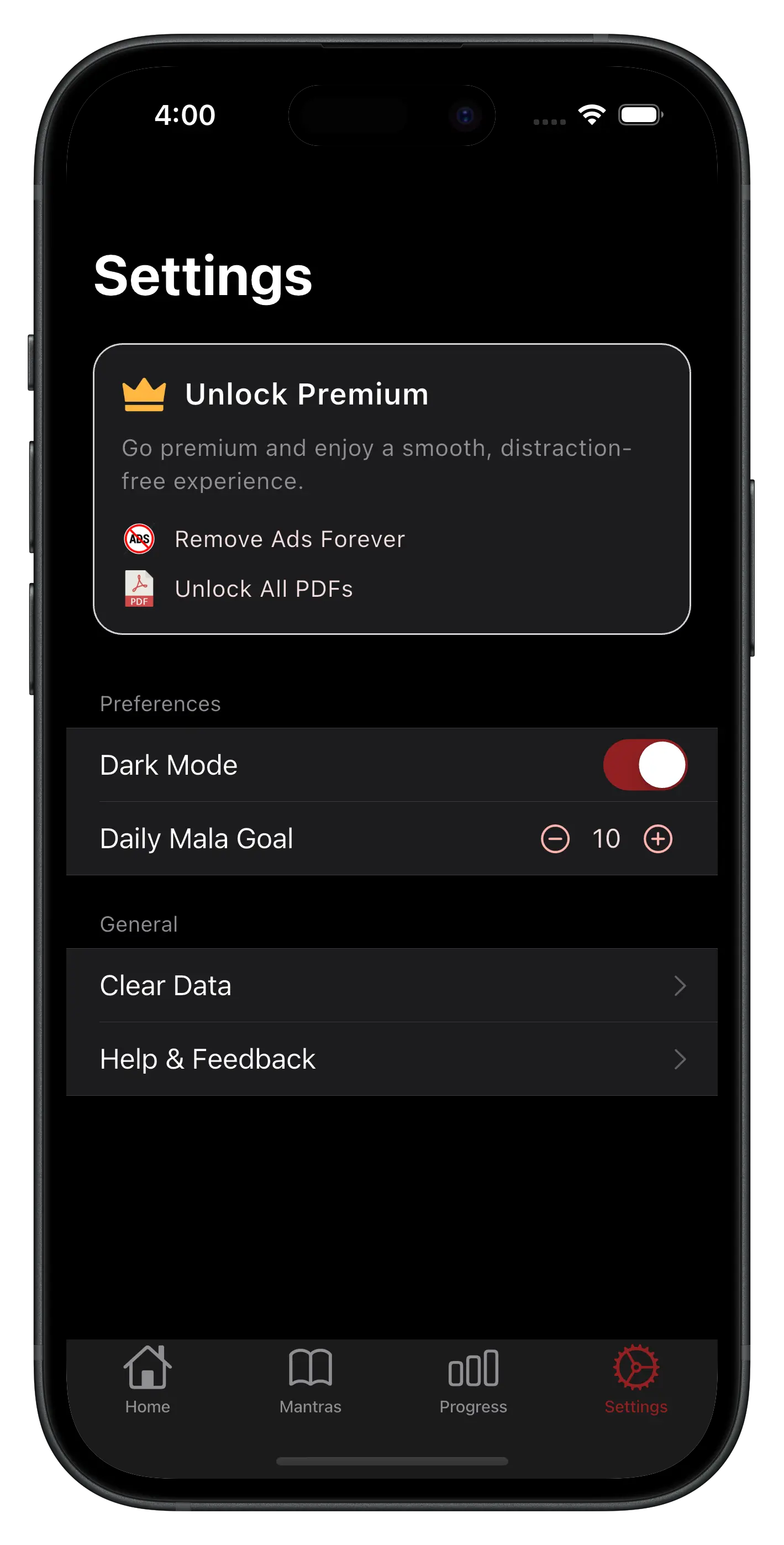
- 🎯 Set Daily Mala Goals - Customize your daily mala target (default is 10 malas).
- 🌗 Dark Mode Support - Comfortable chanting experience in low light.
- 🔄 Pause, Resume & Reset - Control your japa session at any time.
- 📄 Export Reports - Generate PDF reports of your chanting history and insights.
- 📱 User-Friendly UI - Simple, clean interface made for devotees and beginners alike.
- 🙏 Supports Many Mantras – Count Radha Naam, Om namo bhagwate vasudevay, Radhe Radhe, or any custom chanting.
Ratings & Reviews

awesome experience with naam jap app 🙏📿
nice app 👍 mujhe bahut aasan Laga Naam job karne mein
Nice japa counter app to track my daily mala and mantra chanting.
good filing
Everyday I chant mantras and mala. This app is very useful to track records.
I like this app. Awesome 👍
I have purchased the Japa Counter Premium plan for lifetime access, but the app lacks an option to log in using a phone number or email. If someone buys the premium version and the app gets deleted after a phone reset, how can the premium status be restored? A login option is essential for this. Additionally, the 'Naam Japa' feature needs to be updated to the latest version. Please roll out these updates as soon as possible.
Developer Response: Hi Subodh Sagar, thank you for purchasing Lifetime Premium and for your valuable feedback. 🙏 Your Premium can be restored anytime after reinstalling the app using the same Google Play account used for the purchase. No login is required to use the app. Cloud sync is planned for a future update. Thank you for your support! 🙏